In brief
Use the official math and web repositories as your learning baseline. Keep them in separate directories, record their revisions, and get an untouched example working before changing it. This chapter gives a reproducible starting point, not a pre-approved production game.
- Math: Python, with Rust/Cargo for the supplied optimizer.
- Frontend: the SDK's Svelte/PixiJS project and its declared package manager.
- Windows: keep PowerShell and Linux commands separate.
Which repositories should you clone?
The historical official addresses are StakeEngine/math-sdk and StakeEngine/web-sdk. On the check date, GitHub redirected these to engineio/math-sdk and engineio/web-sdk. Follow the official links rather than an arbitrary similarly named fork.
The reference revisions inspected for this series are:
| Project | Reference revision |
|---|---|
| Math SDK | e37dd1f5993db231f72070a0f0bf991ff4f5767a |
| Web SDK | 1843d60cedb94b390e641b563f32ad64353bec5e |
These are reproducibility anchors, not a claim that the revisions will remain the newest. Upstream may fix bugs or change interfaces. Review changes before upgrading and rerun your checks.
Create a clean learning workspace
Run the following in a new, empty parent directory. Do not run checkout commands in a folder containing your existing game edits.
git clone https://github.com/StakeEngine/math-sdk.git harbor-math
git clone https://github.com/StakeEngine/web-sdk.git harbor-web
cd harbor-math
git checkout -b harbor-learning e37dd1f5993db231f72070a0f0bf991ff4f5767a
cd ../harbor-web
git checkout -b harbor-learning 1843d60cedb94b390e641b563f32ad64353bec5e
Keep an unchanged upstream reference and your own branch. Do not publish access tokens, private art or generated customer data in a public fork. A public SDK does not make everything you add to it public-domain material.
Install the math dependencies on Windows
The math README specifies Python 3.12 or later and Rust/Cargo for optimization. In PowerShell, inside harbor-math, this explicit virtual-environment setup avoids shell activation-policy problems:
py -3.12 -m venv env
.\env\Scripts\python.exe -m pip install --upgrade pip
.\env\Scripts\python.exe -m pip install -r requirements.txt
.\env\Scripts\python.exe -m pip install -e .
Install Python 3.12 first if that launcher selection is unavailable. These steps follow the operations in the SDK Makefile. On a Linux environment with the prerequisites available, the repository also provides make setup. Do not mix Linux env/bin/python paths with Windows env\Scripts\python.exe paths.
Before a first simulation, use the small debug settings in part 5. The pinned example enables optimization and analysis by default, so running it unchanged can require additional tools and considerably more work than a simple smoke test.
Install the frontend using its own contract
The inspected web package manifest requires Node at least 22.16.0 and declares pnpm 10.5.0. An older website tutorial mentions Node 18; do not combine that older instruction with this newer manifest. Use a maintained Node release that satisfies the requirement and verify compatibility with this project.
Inside harbor-web:
node --version
npm install --global pnpm@10.5.0
pnpm --version
pnpm install --frozen-lockfile
pnpm run storybook --filter=lines
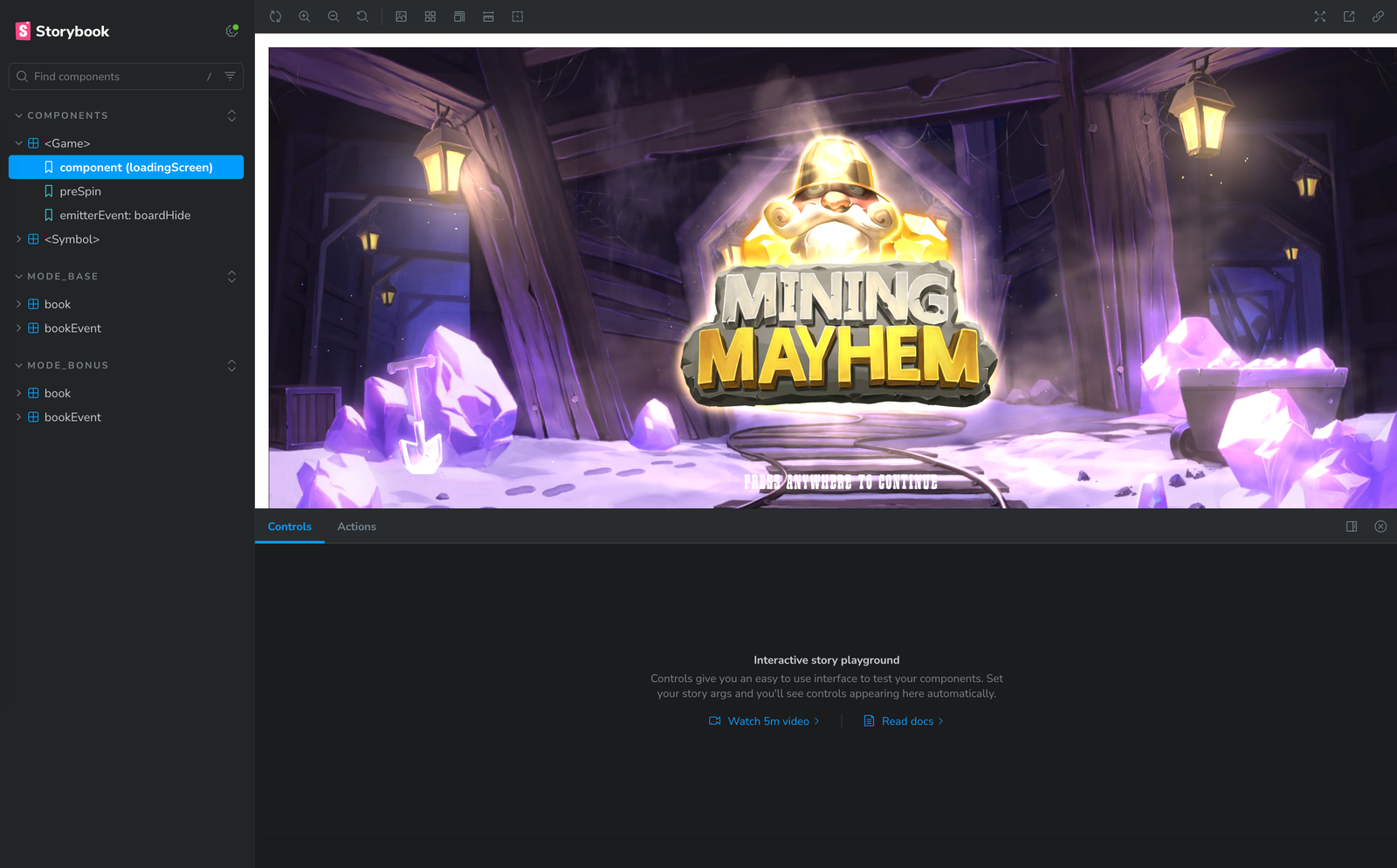
Open the local address printed by the process. The web README describes the sample's MODE_BASE/book/random story. Use that controlled environment for the first round. The normal development route can show an authentication error without an RGS session; that is not a reason to remove authentication.
If Windows rejects an environment-variable assignment in the Storybook script, follow the README's Windows cross-env guidance and add the dependency explicitly to the appropriate workspace. Alternatively use a consistent Linux environment. Do not run a random installer from a forum to silence the error.
What success looks like
One sample outcome plays to completion, the next one can start, and the console has no unexplained runtime failures. Record the Node, pnpm and Python versions and both Git revisions. A compile alone is not sufficient evidence that gameplay works.
Keep Slotgen's earlier customized HTML build separate. Its extra packaging scripts are local additions, not commands a fresh upstream clone necessarily contains. Learn with the standard build before applying those changes deliberately.
Finish this part
Save a baseline checkpoint and a short setup note. Include any platform-specific fix and why it was needed. You should now be able to recreate the development environment without relying on a chatbot remembering yesterday's conversation.