
Sinew for Construct 3
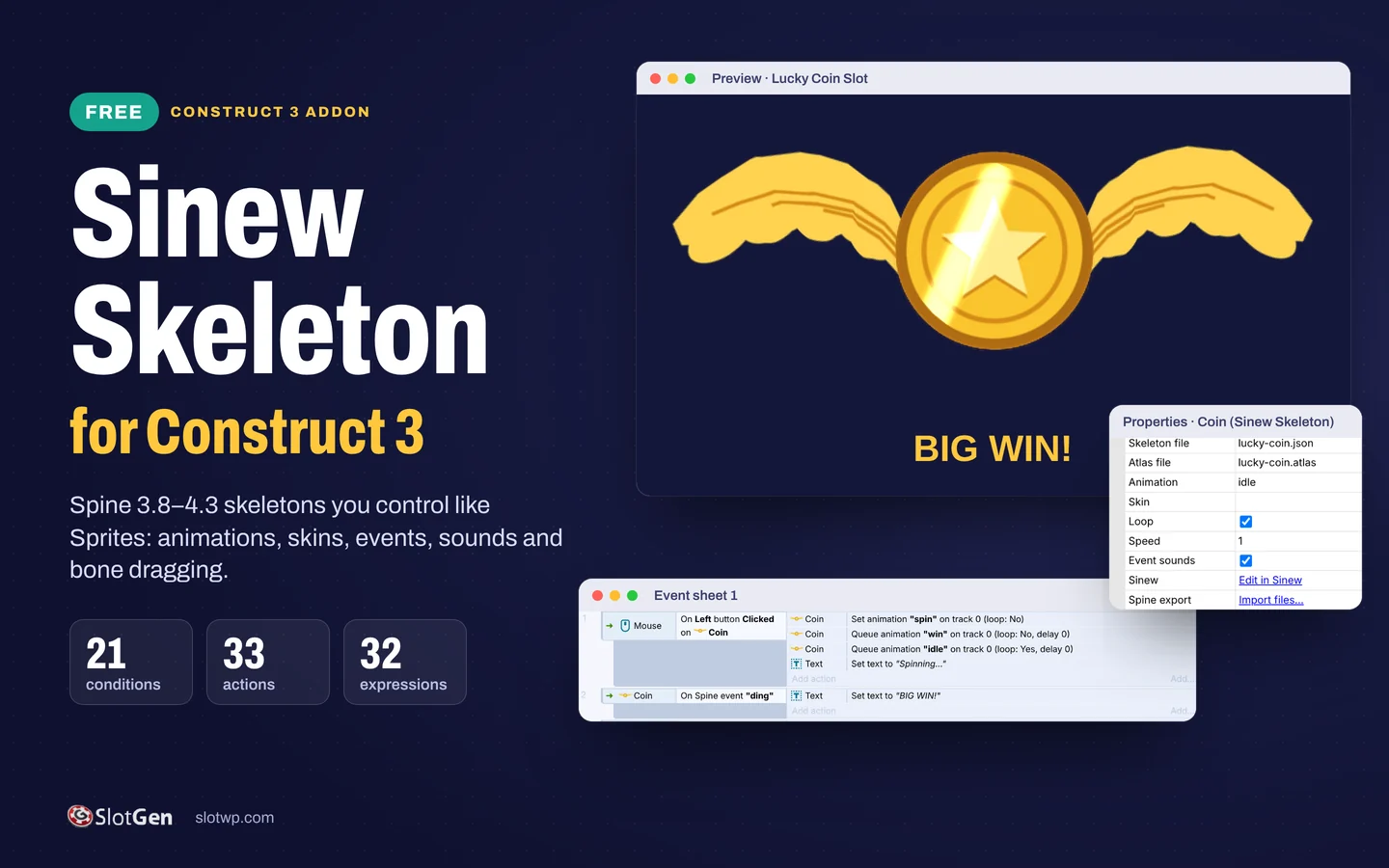
A free Construct 3 addon that plays Spine skeletons and lets you control them like Sprites.
Install the Sinew Skeleton addon, drop in a Spine 3.8 to 4.3 export and drive it from the event sheet: animations, skins, Spine events with sound, and bones you can move or let players drag. Edit in Sinew opens the free Sinew editor and saves your changes straight back into the project.
How to get it: Free
What you get
- Plays Spine 3.8 to 4.3 exports: .json or .skel with .atlas and .png
- Draws the setup pose in the Layout View, so you place a skeleton like a Sprite
- 21 conditions, 33 actions and 32 expressions for animations, tracks, mixing, skins, slots, bones and Spine events
- Plays the sound attached to a Spine event, with its volume and balance
- Move, rotate and scale bones from events, or let players drag them with mouse or touch
- Meshes, weights, clipping and physics bones; mirror, flip, savegames and the debugger
- Edit in Sinew opens the free editor; Ctrl+S saves the files back into your project
- Lucky Coin example built in: a winged slot coin with 3 animations, 2 skins and a sound event
See it working
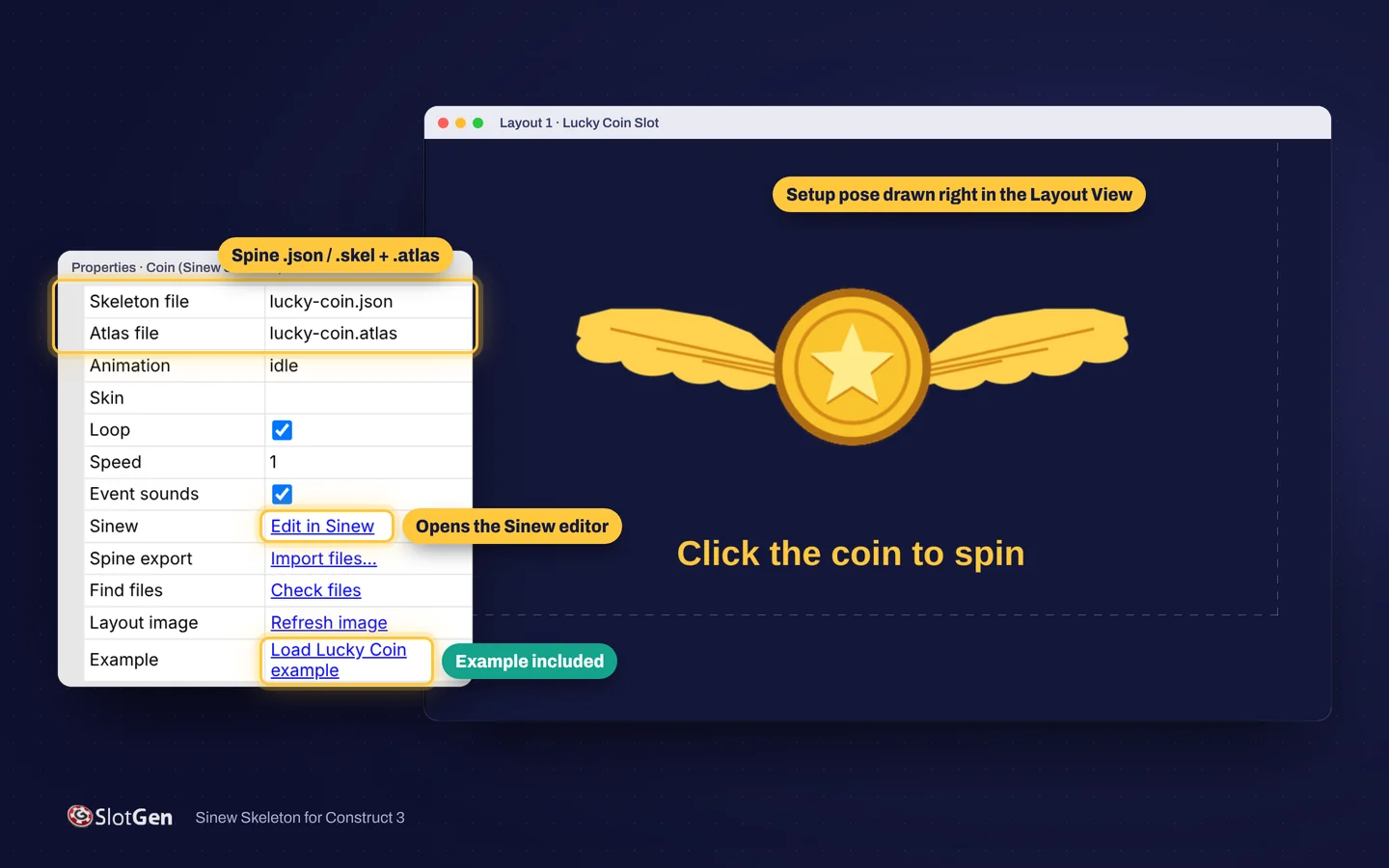
Place skeletons like Sprites
The addon draws the skeleton's setup pose right in the Layout View. Pick the skeleton and atlas files in Properties, set the starting animation, skin, loop and speed, or load the Lucky Coin example with one click.

Recorded in the Construct 3 preview
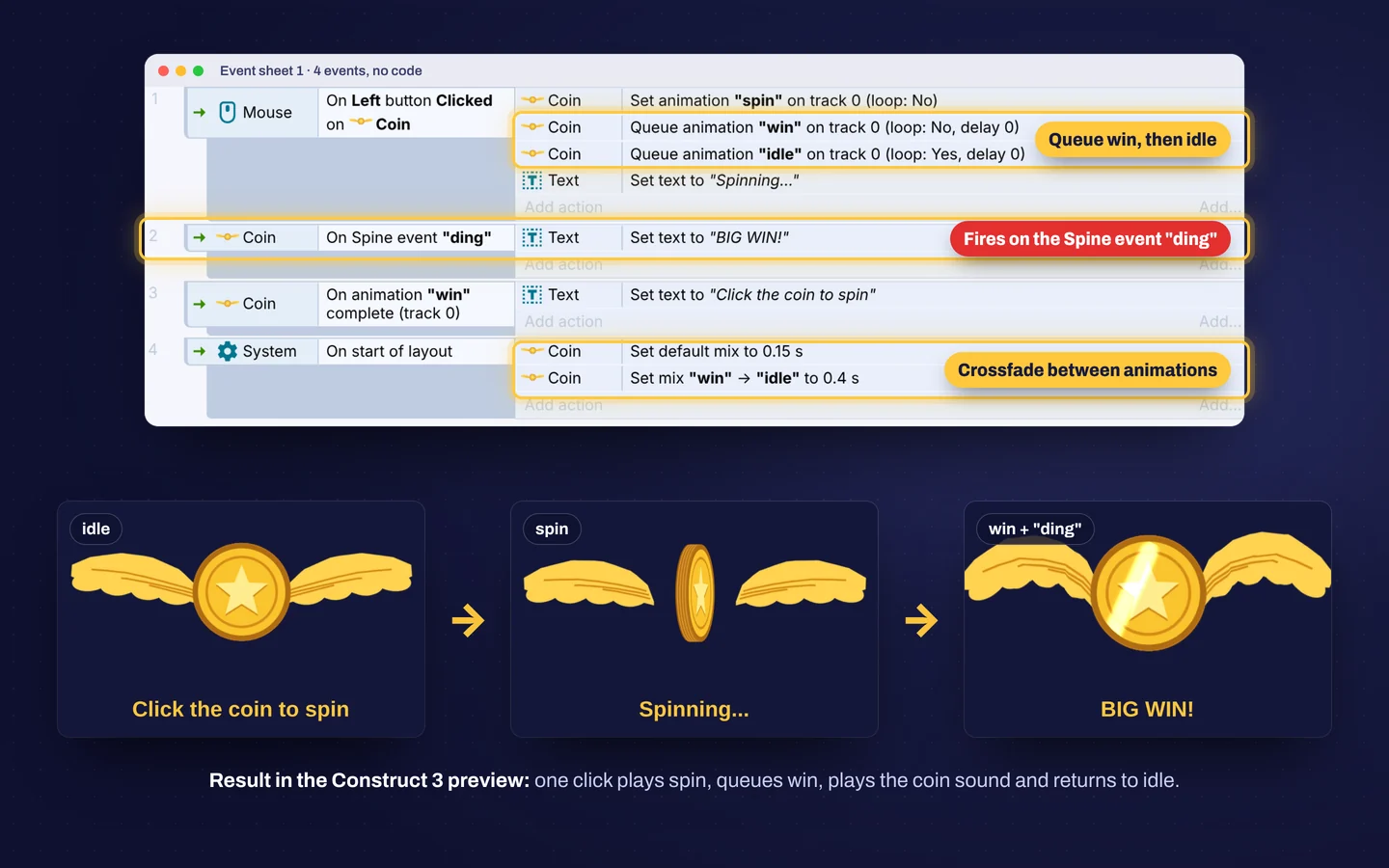
One click on the coin plays spin, queues win, plays the coin sound on the Spine event "ding" and mixes back to idle. The wings swing on physics bones.
Drive it from the event sheet
Four events and no code: set and queue animations, react to Spine events, wait for an animation to complete and crossfade between animations.
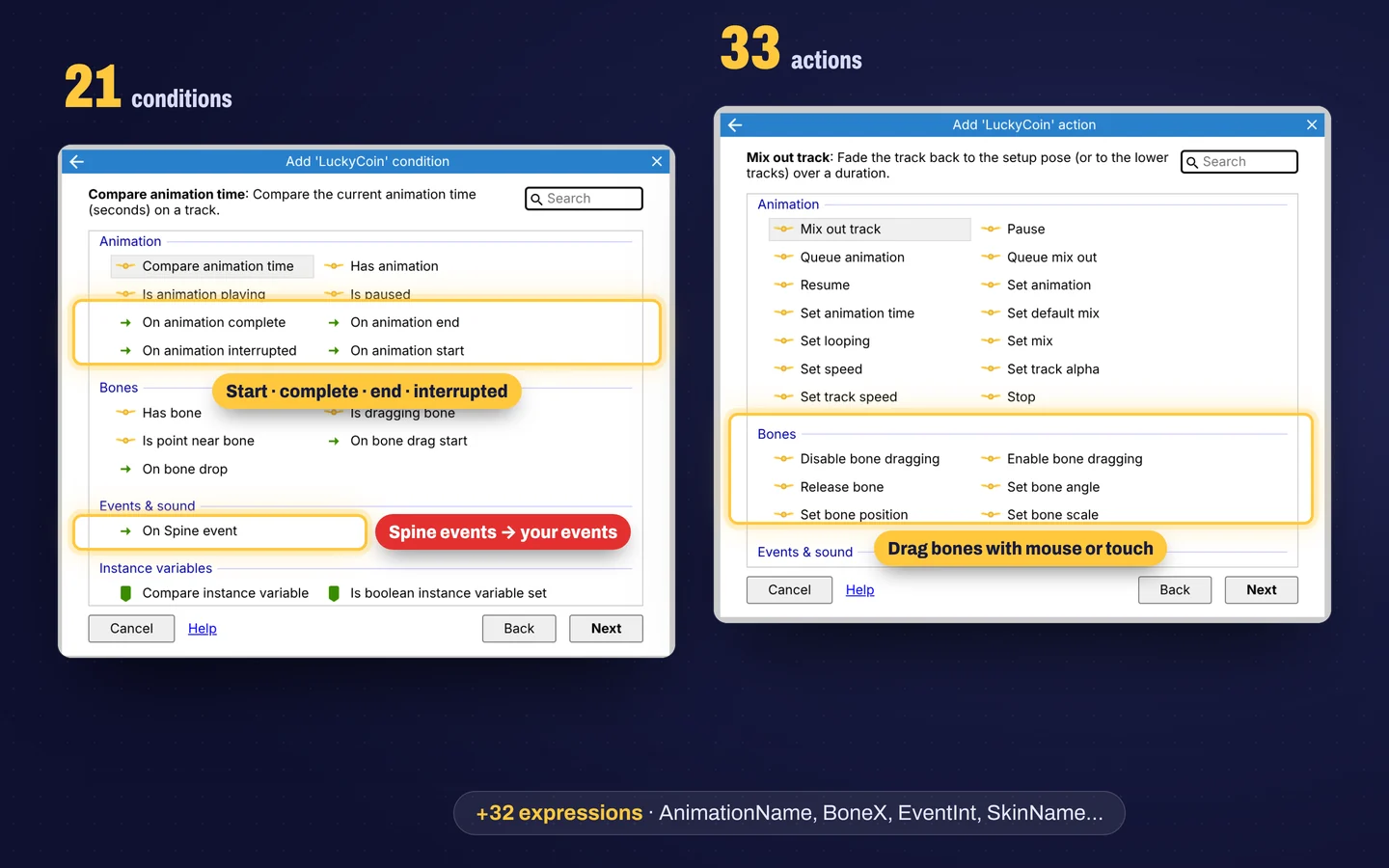
86 conditions, actions and expressions
Animation tracks, queues, mixing, speed, pause and time; skins and slot colors; bone position, angle and scale in layout or Spine space; bone dragging with mouse or touch; Spine events with their int, float, string and audio values.
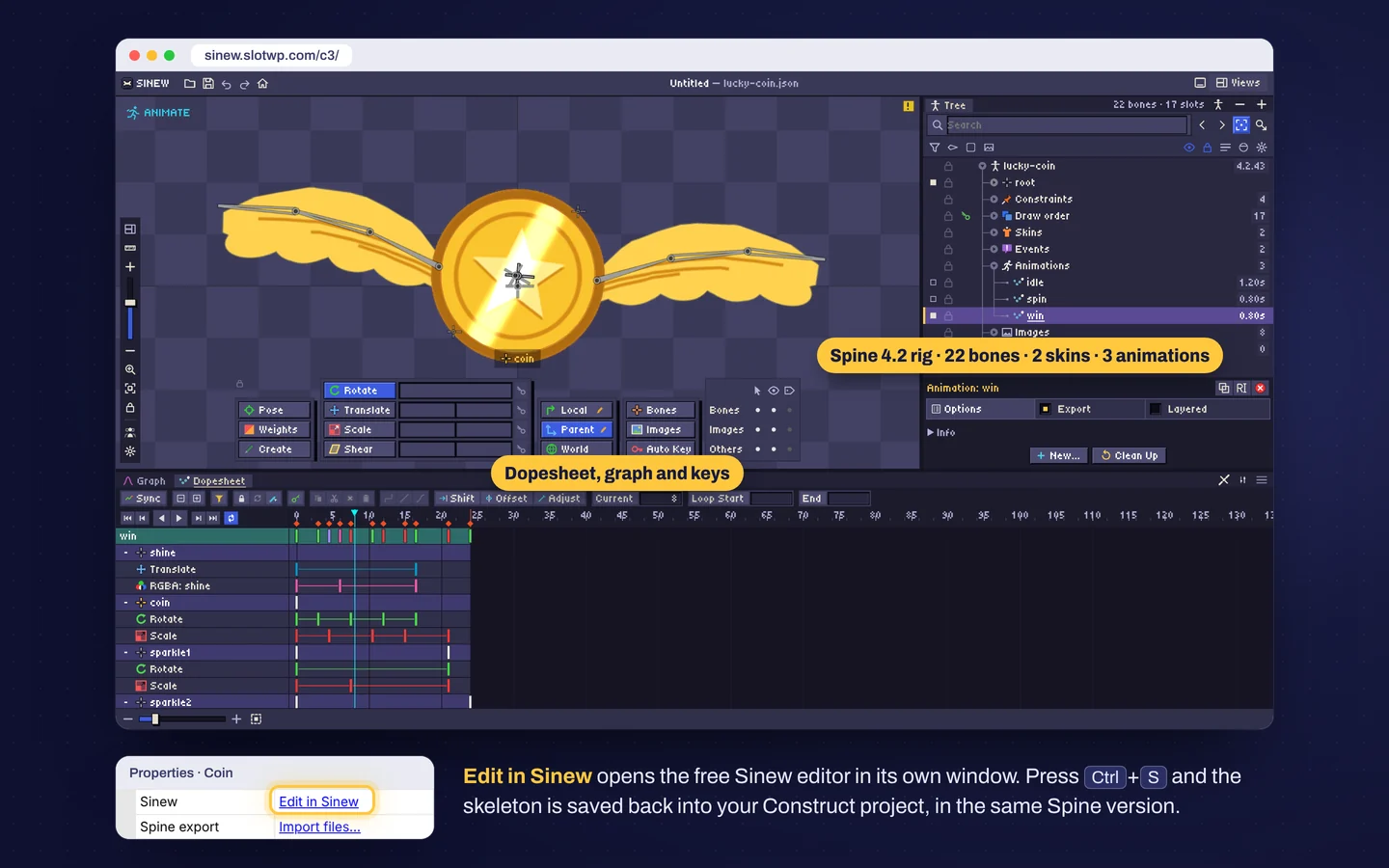
Edit in Sinew, save back to Construct
Edit in Sinew opens the free Sinew editor in its own window. Change bones, meshes, skins and animations, press Ctrl+S and the files are written back into your project in the same Spine version.
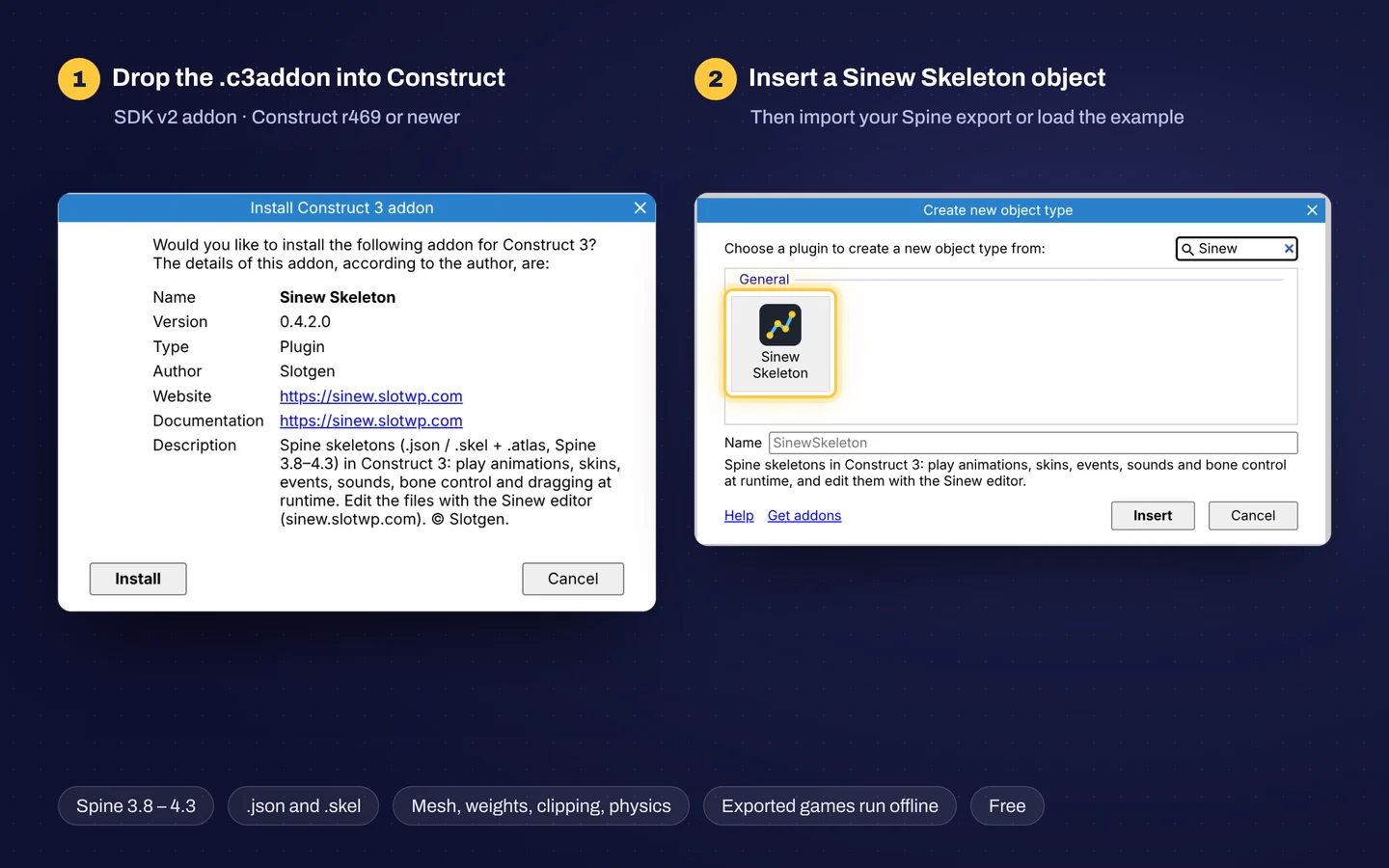
Installed in a minute
Drag the .c3addon file into Construct 3 and reload. Insert a Sinew Skeleton object, then import your Spine export or load the example.
Download it free
- Sinew Skeleton addon Version 0.4.2 · .c3addon · 260 KB
- Lucky Coin demo project .c3p · 300 KB · install the addon first
- Lucky Coin Spine export .zip · drag it onto a layout
- itch.ioComing soon
- Construct.net AddonsComing soon
Good to know
- Works in Construct 3 r469 or newer. It is an SDK v2 addon, so the free edition of Construct 3 can install it too.
- Install: drag the .c3addon file into Construct 3, or use Menu > View > Addon manager > Install new addon, then reload. The demo project needs the addon installed first.
- Games you export run offline. Editing a skeleton in Sinew needs an internet connection.
- Free to use in your games, commercial games included. The addon itself may not be resold or republished; the terms are in LICENSE.txt inside the addon.
- Spine is a trademark of Esoteric Software. Sinew is an independent tool from Slotgen and is not affiliated with or endorsed by Esoteric Software. Using Spine export files may require your own Spine license from Esoteric Software.
Questions about Sinew for Construct 3?
Send the product name, where it will run and what you want to change. We usually start the conversation on Telegram.
Other products
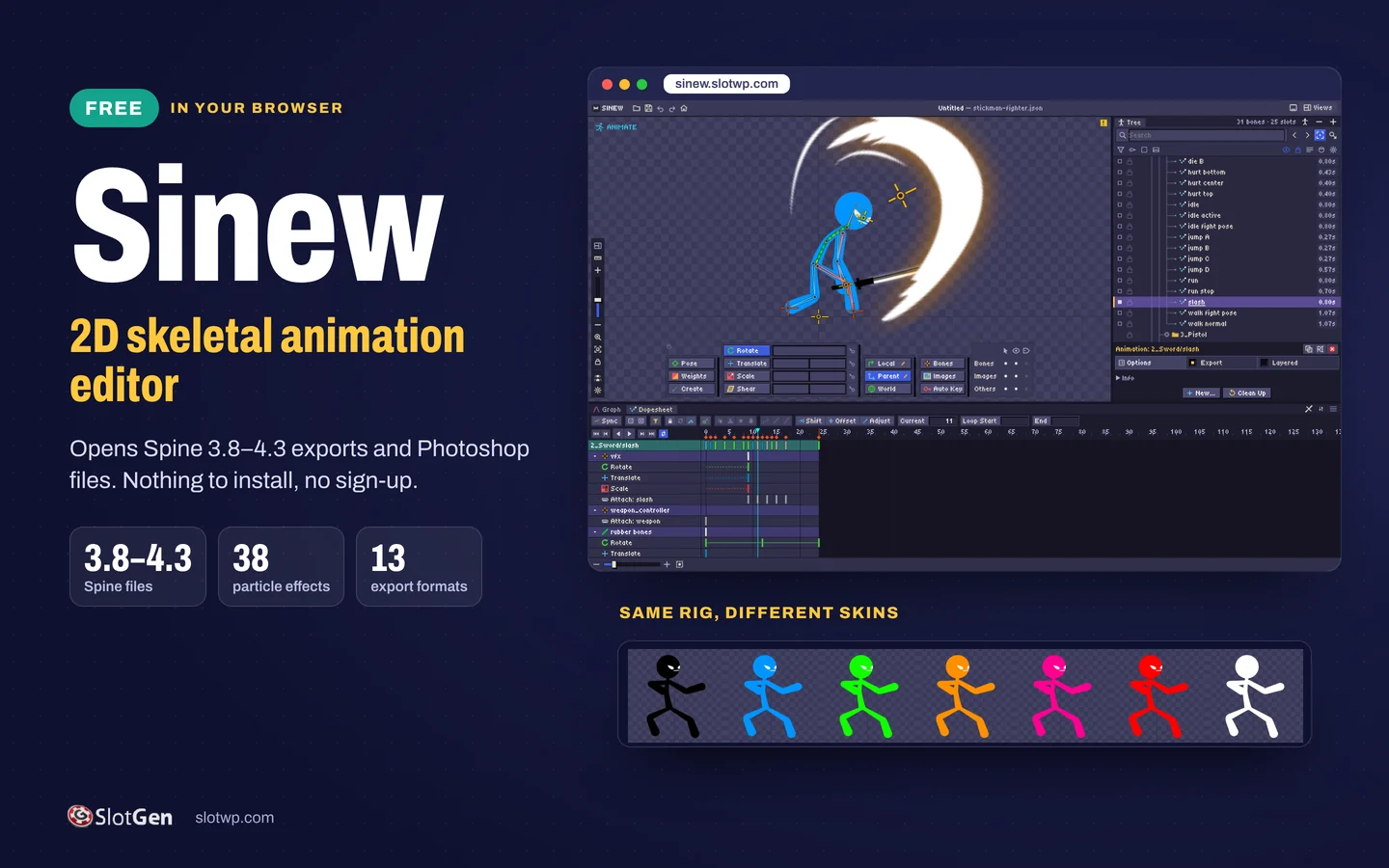 SinewA free 2D skeletal animation editor that runs in your browser and opens Spine exports and Photoshop files.
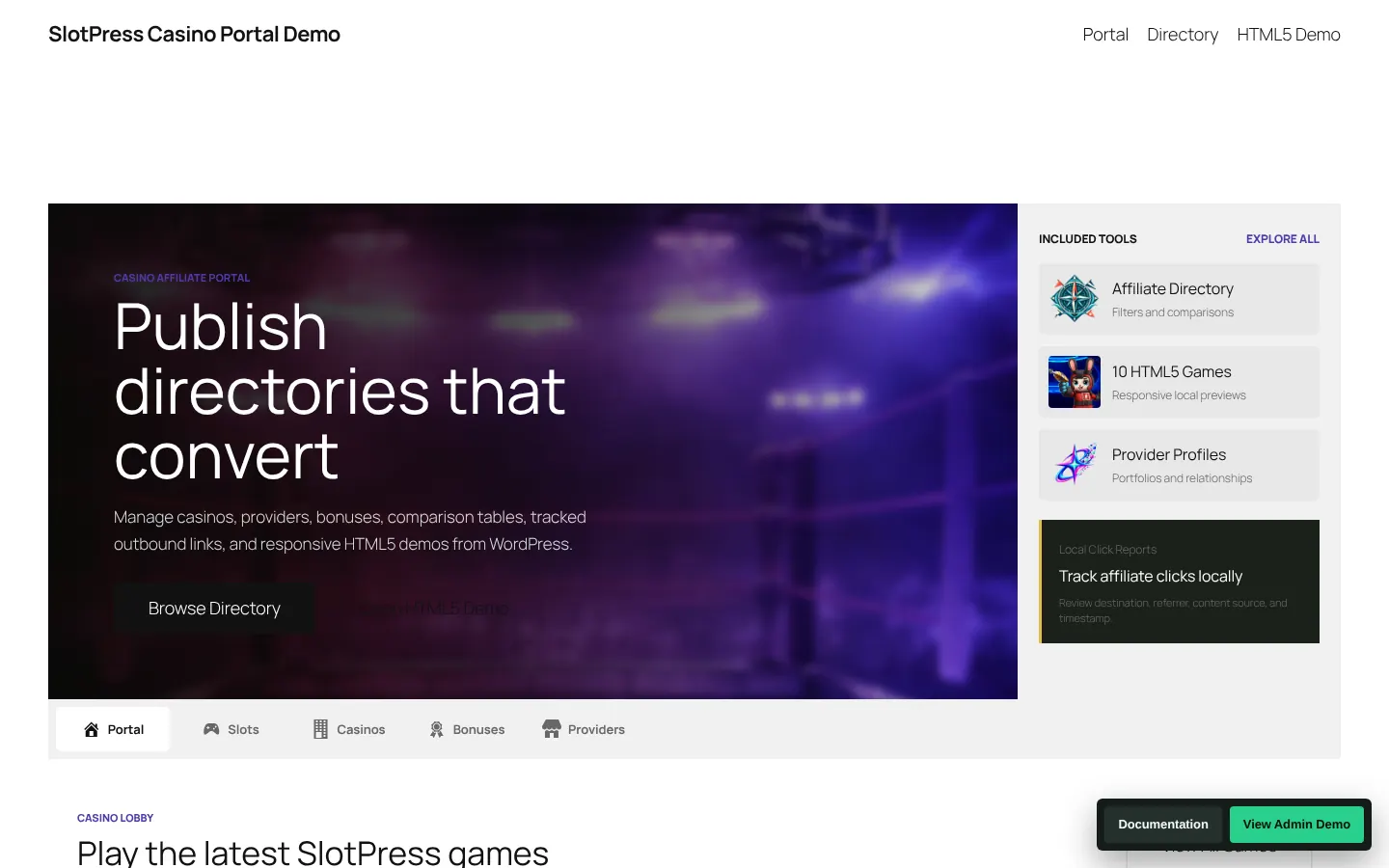 SlotPress Casino PortalA WordPress portal for casino affiliates: directory, comparisons, tracked links and HTML5 game demos.
- Slotgen Game Library46 ready-made slot and casino games you can play in demo before you talk price.