
Sinew
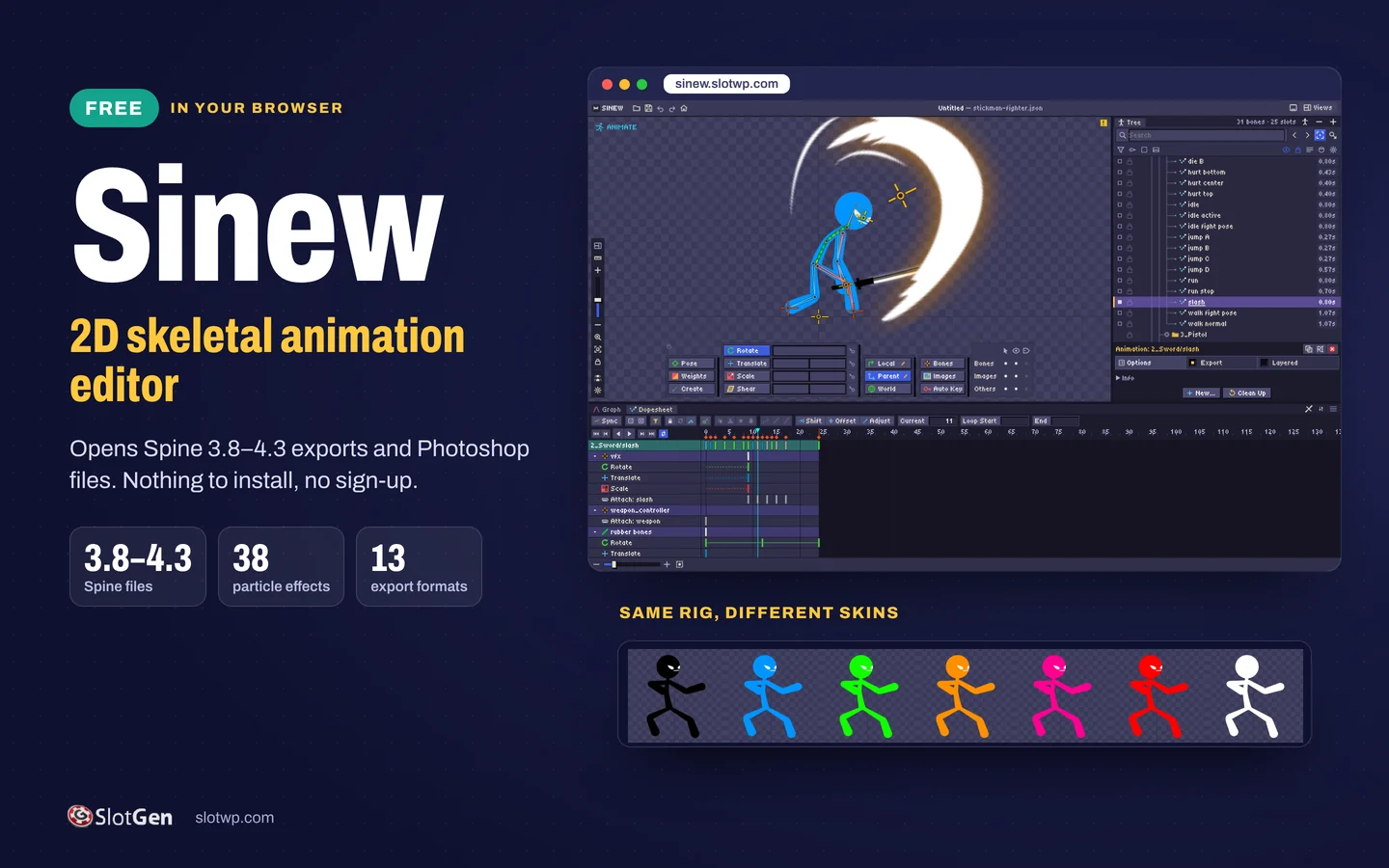
A free 2D skeletal animation editor that runs in your browser and opens Spine exports and Photoshop files.
Rig, animate and export characters, symbols and effects without installing anything or signing up. Sinew opens Spine 3.8 to 4.3 exports, imports Photoshop files, bakes 38 ready-made particle effects into bones and exports back to Spine JSON or binary, or to GIF, PNG and video.
How to get it: Free
What you get
- Runs in the browser at sinew.slotwp.com: free, nothing to install, no sign-up
- Opens Spine exports from 3.8 to 4.3 (.json or .skel with .atlas and images) and imports Photoshop .psd files
- Bones, IK and other constraints, meshes, weights and skins

- Dopesheet and graph editor for keys and curves
- 38 particle effects, from fireworks and coin bursts to snow and fire, baked into bones and keys
- Exports Spine JSON or binary for 3.8, 4.0, 4.1, 4.2 and 4.3, with a packed atlas
- Renders animations to GIF, PNG, APNG, PSD, JPEG, WEBP, AVI, MOV and WEBM
- Free Stickman Fighter example: 31 bones, over 100 animations and 16 skins
See it working
Animate on a dopesheet and graph
The sword slash from the free Stickman Fighter example, stepped frame by frame: bone keys, the weapon swap and the swoosh image sequence on one timeline. Switch to Graph to shape the curves.
Meshes and weights
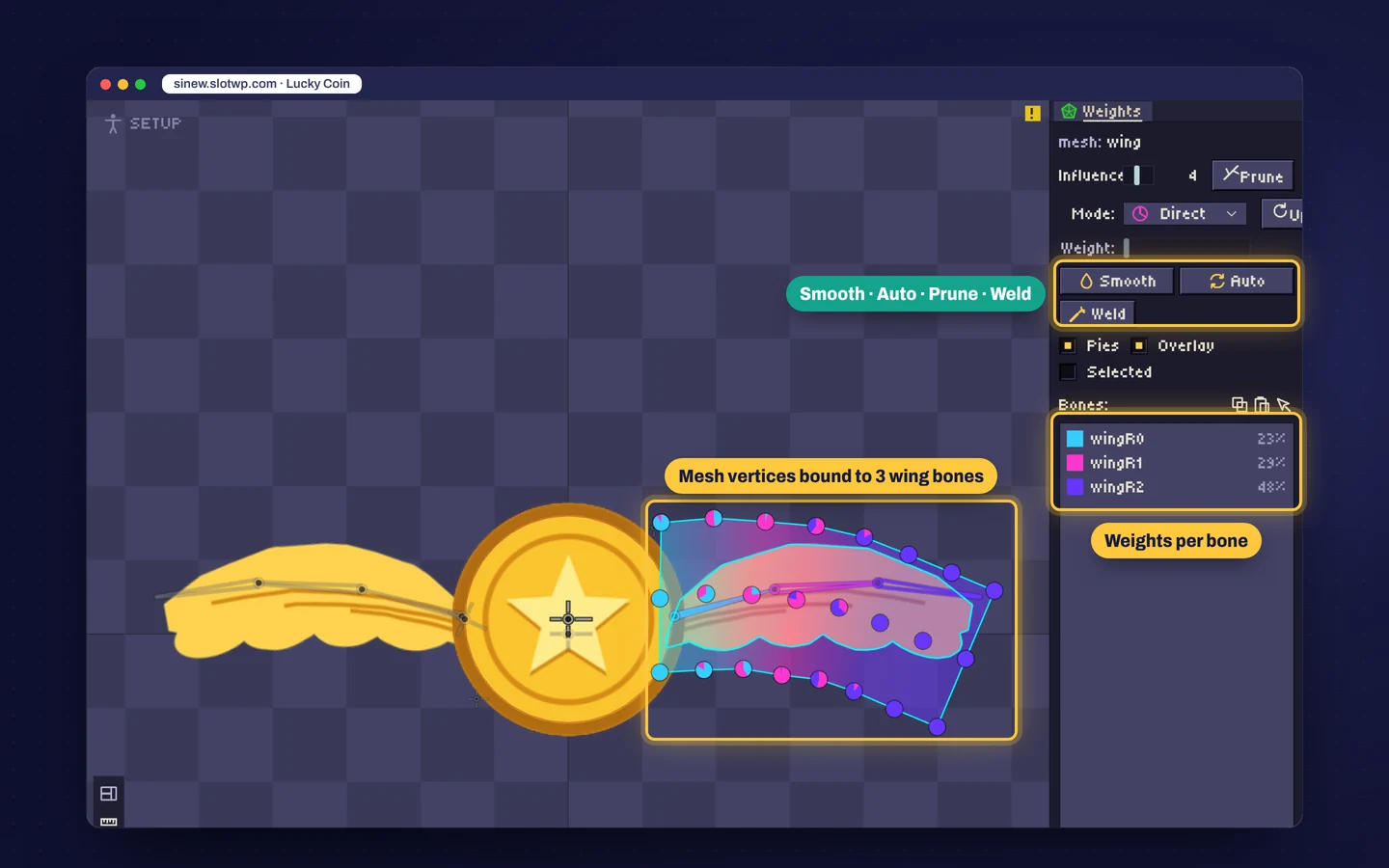
Bind a mesh to several bones and set how much each one pulls. The Lucky Coin wing bends over three bones; Smooth, Auto, Prune and Weld tidy the weights.
One rig, many skins
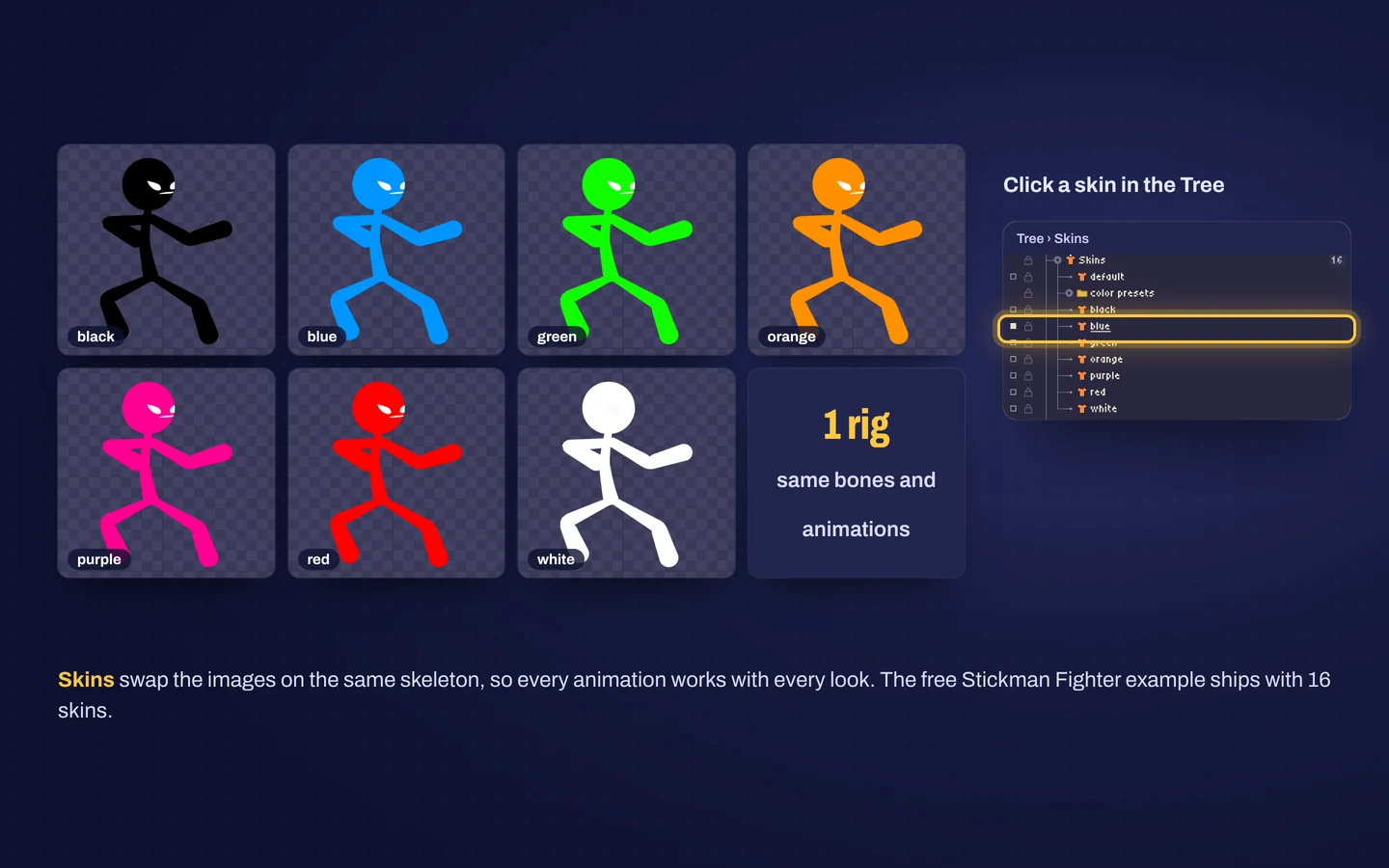
Skins swap the images on the same skeleton, so every animation works with every look. Click a skin in the Tree to see it. Stickman Fighter ships with 16.
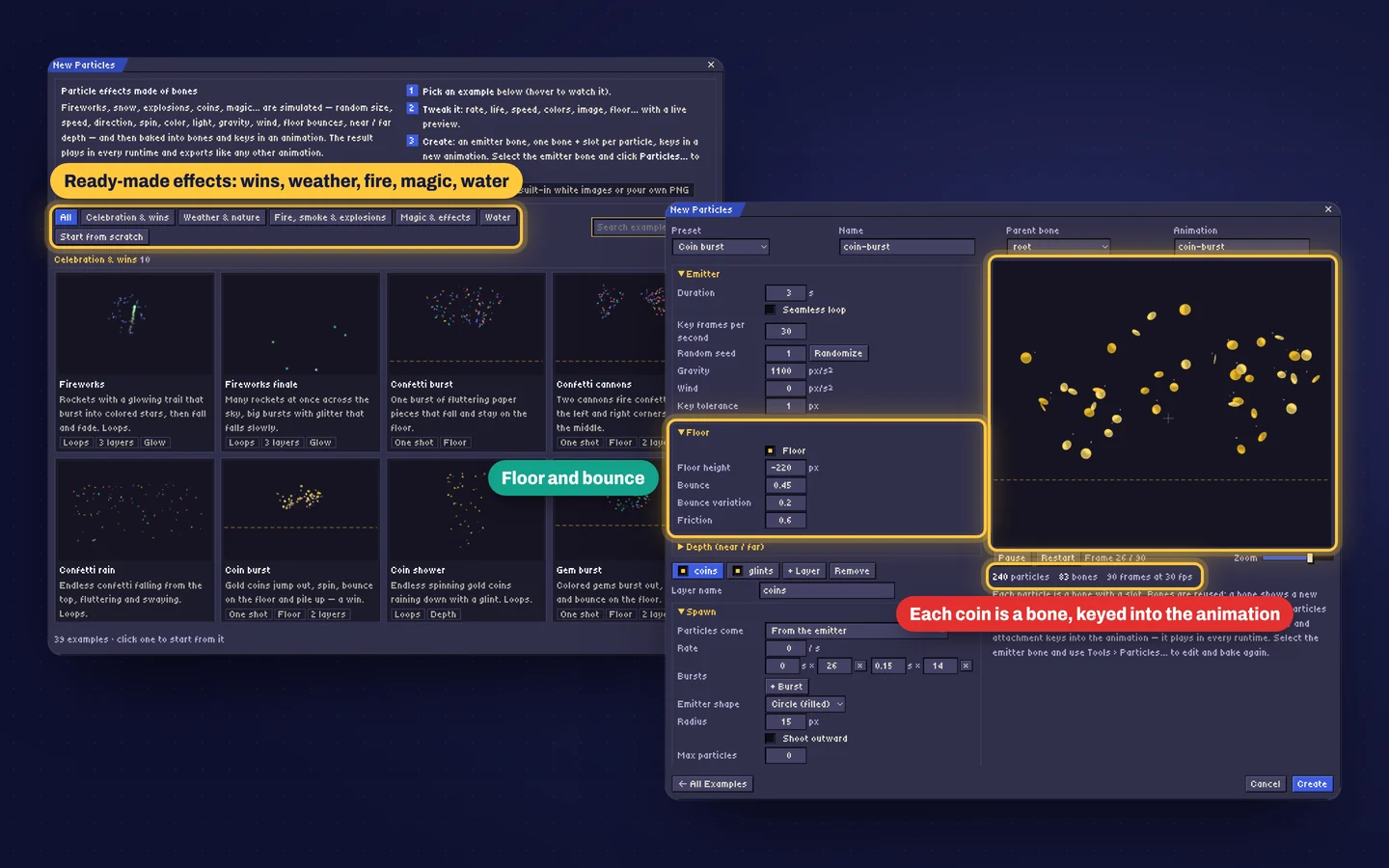
38 particle effects, baked into bones
Fireworks, coin bursts, confetti, snow, fire, magic and water. Tune rate, speed, gravity, floor bounce and colors with a live preview, then create: each particle becomes a bone with keys, so the effect plays in Spine runtimes like any other animation.
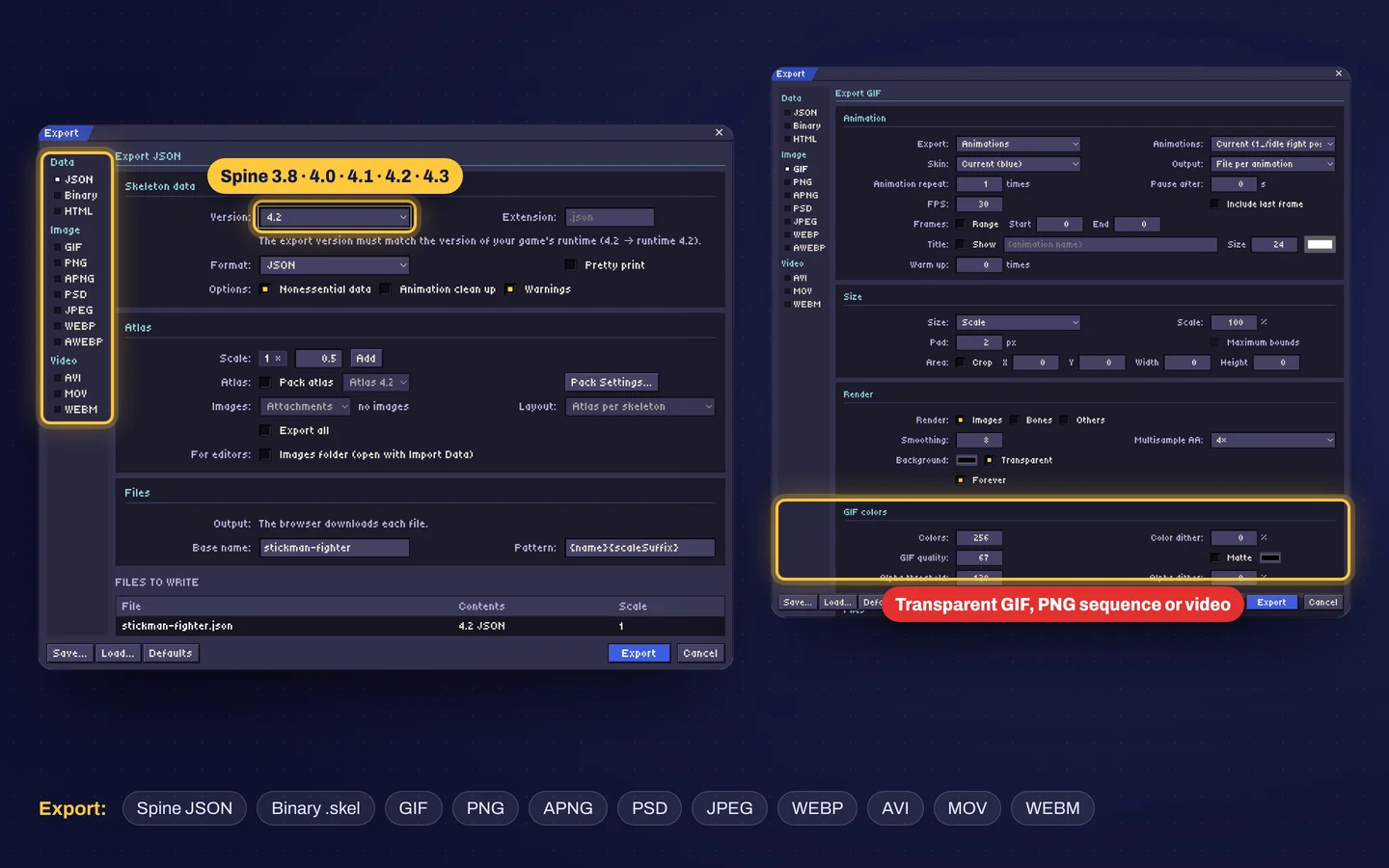
Export for your game, or as video
Spine JSON or binary for 3.8 to 4.3 with a packed atlas, or render the animation as GIF, PNG, APNG, PSD, JPEG, WEBP, AVI, MOV or WEBM.
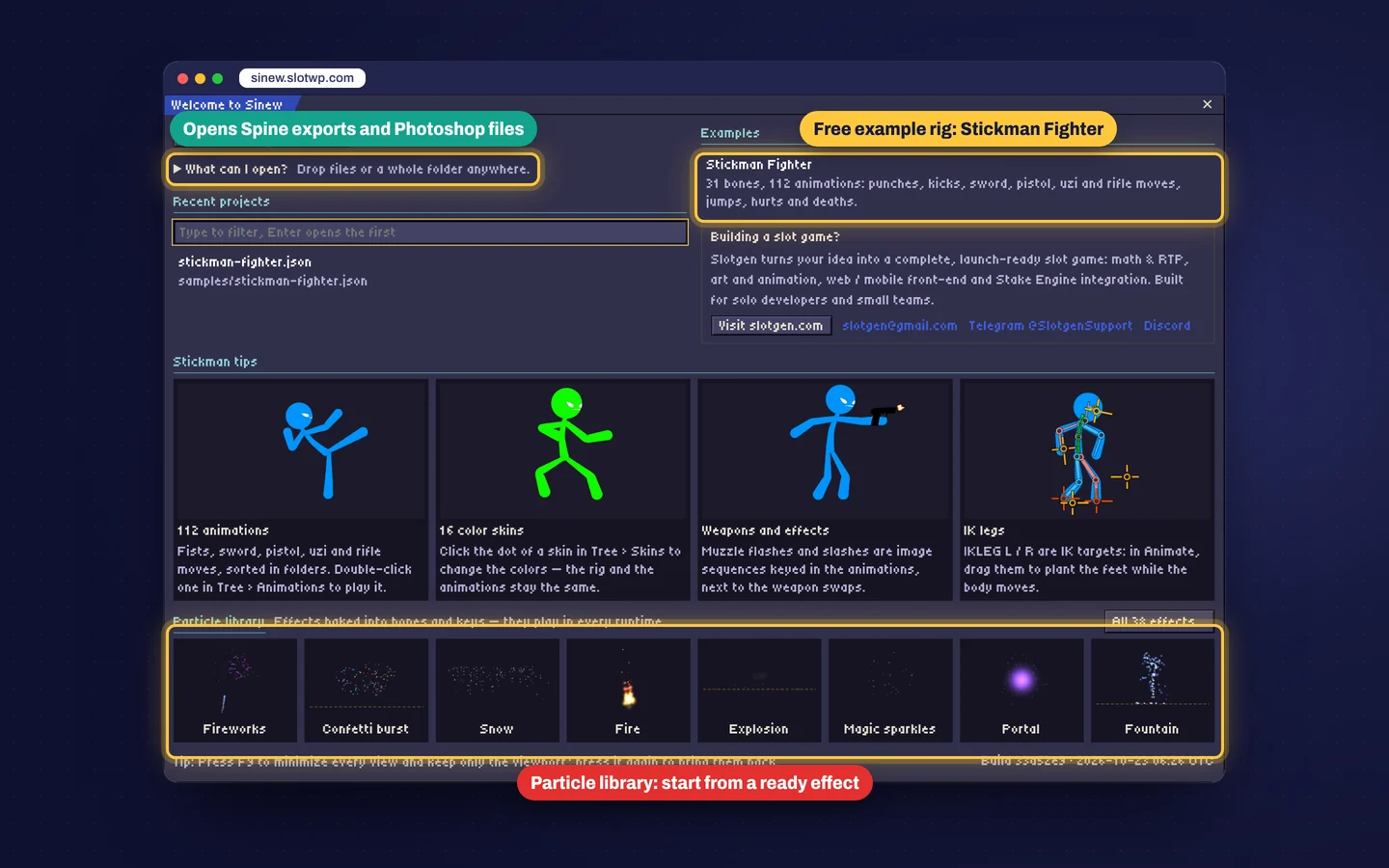
Start from a full example
Open Stickman Fighter from the welcome screen: 31 bones, over 100 animations, IK legs, weapons and effects. Or drop a Spine export folder anywhere in the window.
Good to know
- Open sinew.slotwp.com in Chrome, Edge, Safari or Firefox. In Chrome and Edge, Save writes straight back to your .sinew file; other browsers download it.
- The editor runs in your browser: files you open are not uploaded. Work in progress is also kept in the browser, so a closed tab can be restored.
- When you export for a game, pick the Spine version your game's runtime uses.
- Building in Construct 3? The free Sinew for Construct 3 addon plays the same files and opens Sinew from the editor.
- Spine is a trademark of Esoteric Software. Sinew is an independent tool from Slotgen and is not affiliated with or endorsed by Esoteric Software. Using Spine export files and Spine runtimes may require your own Spine license from Esoteric Software.
Questions about Sinew?
Send the product name, where it will run and what you want to change. We usually start the conversation on Telegram.
Other products
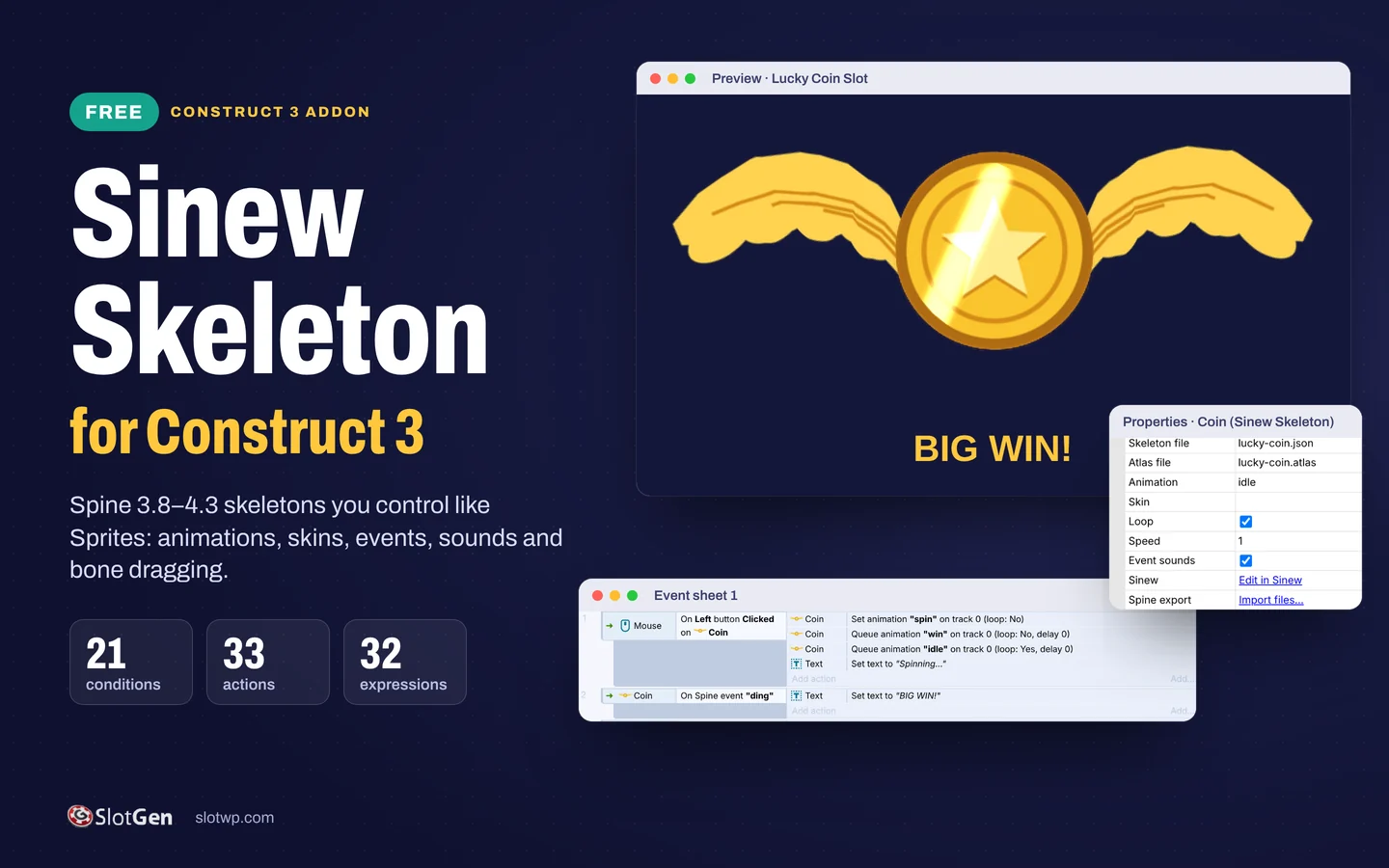 Sinew for Construct 3A free Construct 3 addon that plays Spine skeletons and lets you control them like Sprites.
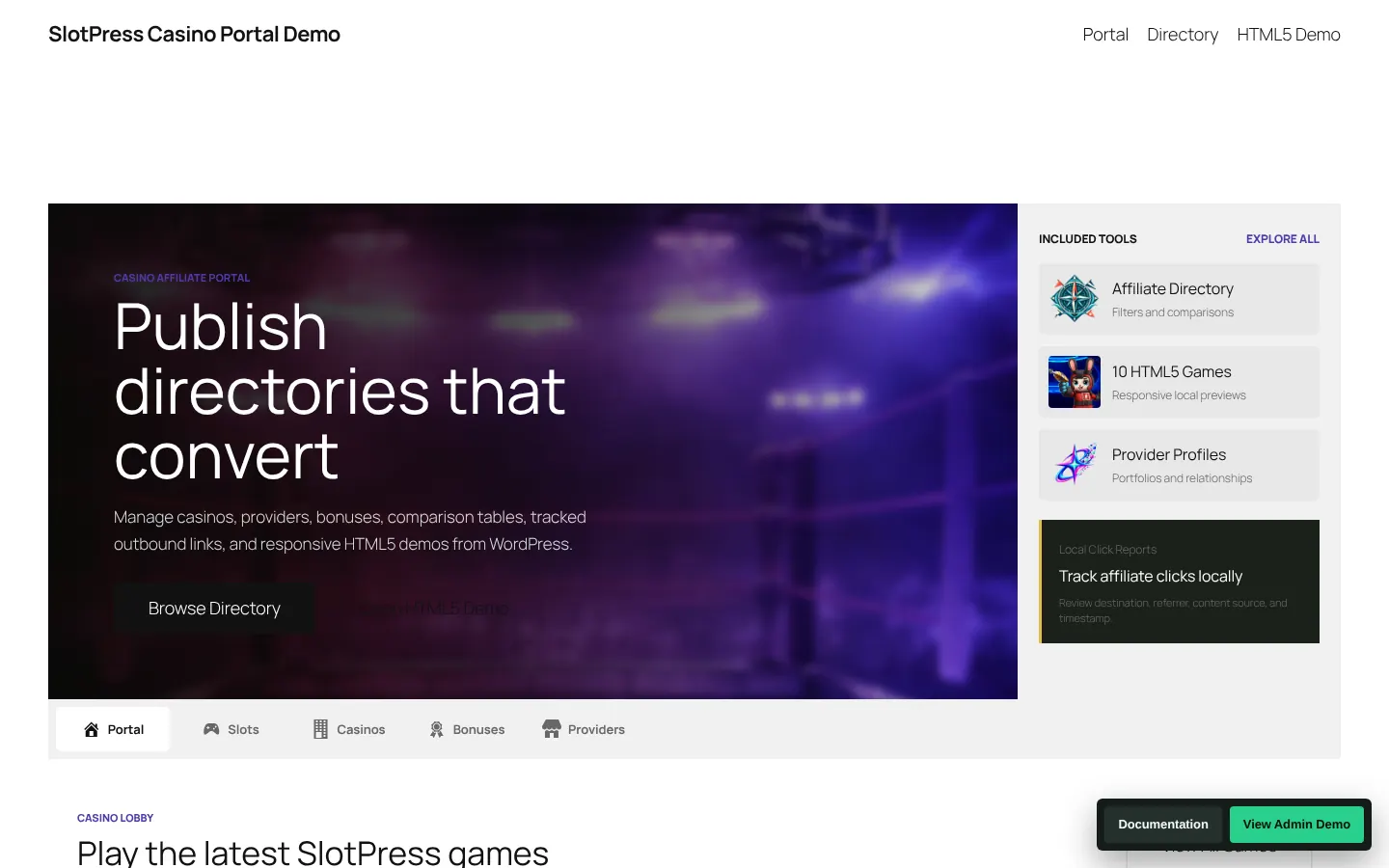 SlotPress Casino PortalA WordPress portal for casino affiliates: directory, comparisons, tracked links and HTML5 game demos.
- Slotgen Game Library46 ready-made slot and casino games you can play in demo before you talk price.